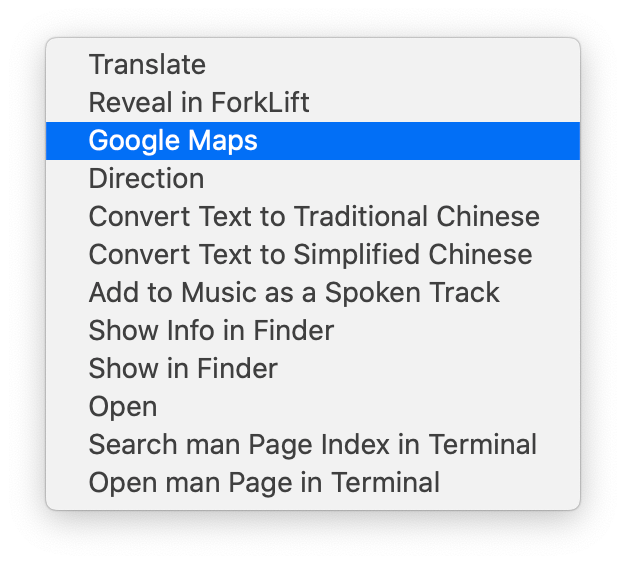
Right Click to Open Selected Text in Google Maps
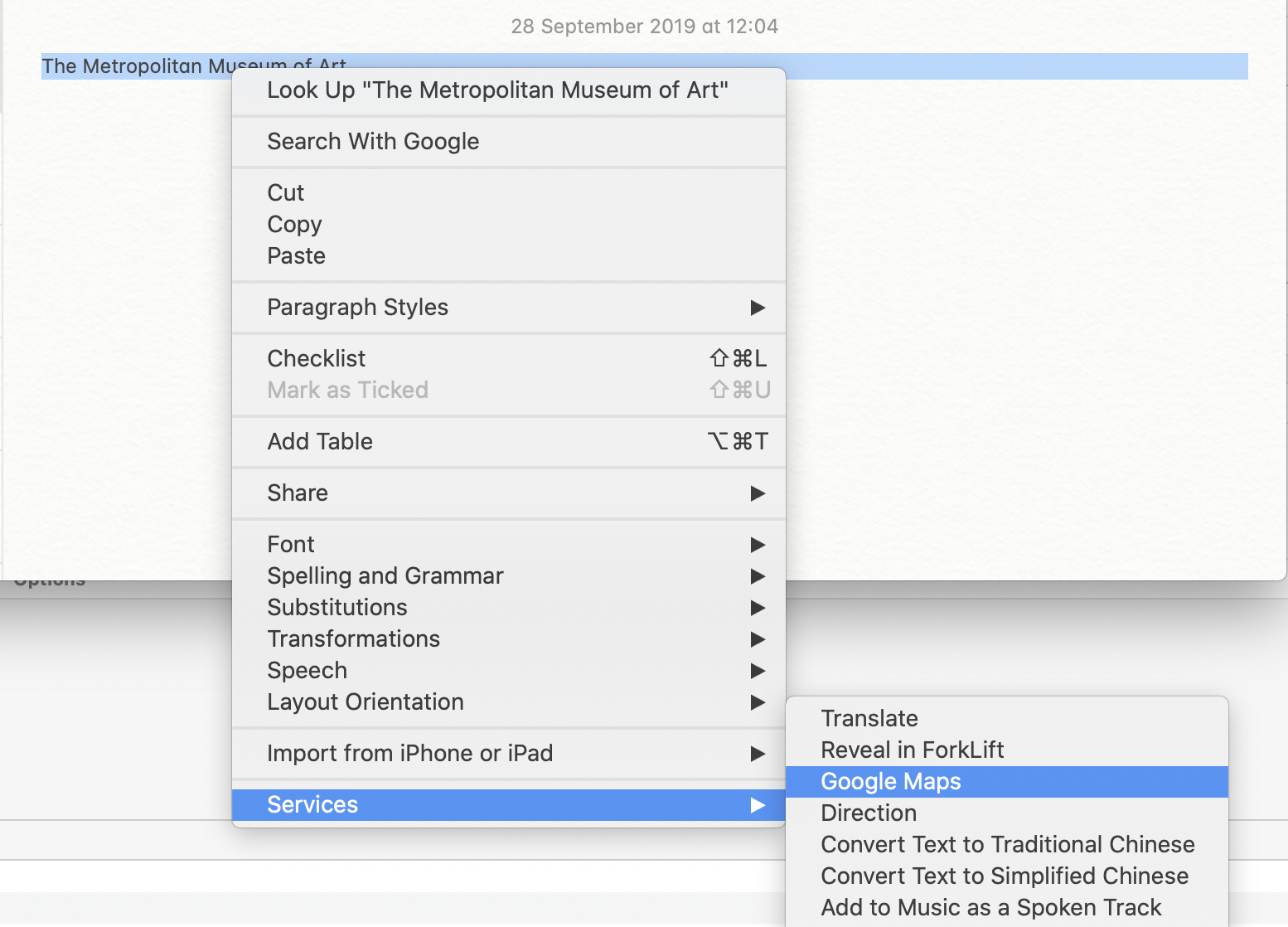
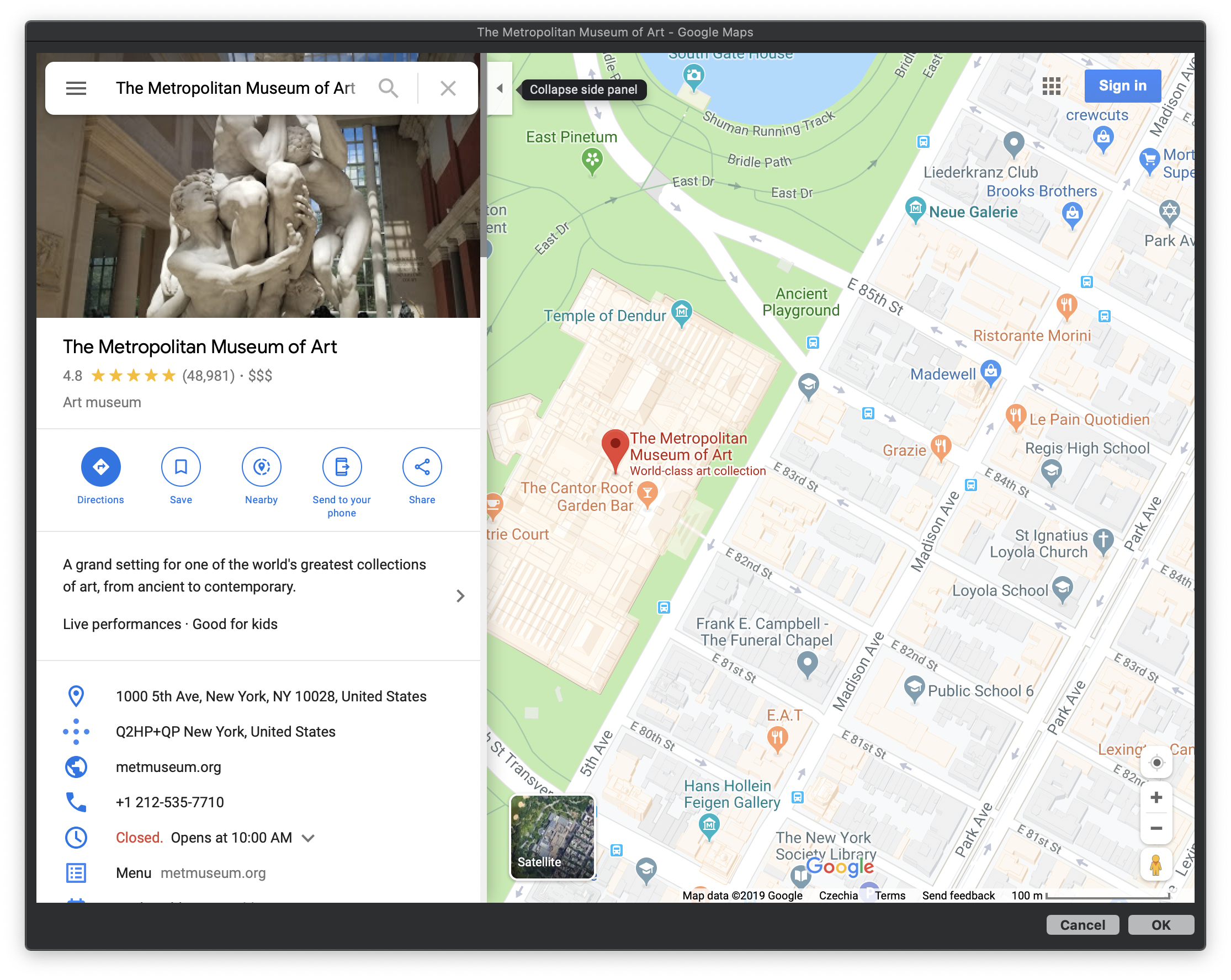
Tutorial
- Open “Automator.app” , which is installed on you mac by default.
- Then you click File -> New or with keyboard shortcut ⌘N.
- Choose Quick Action as a type for your document.
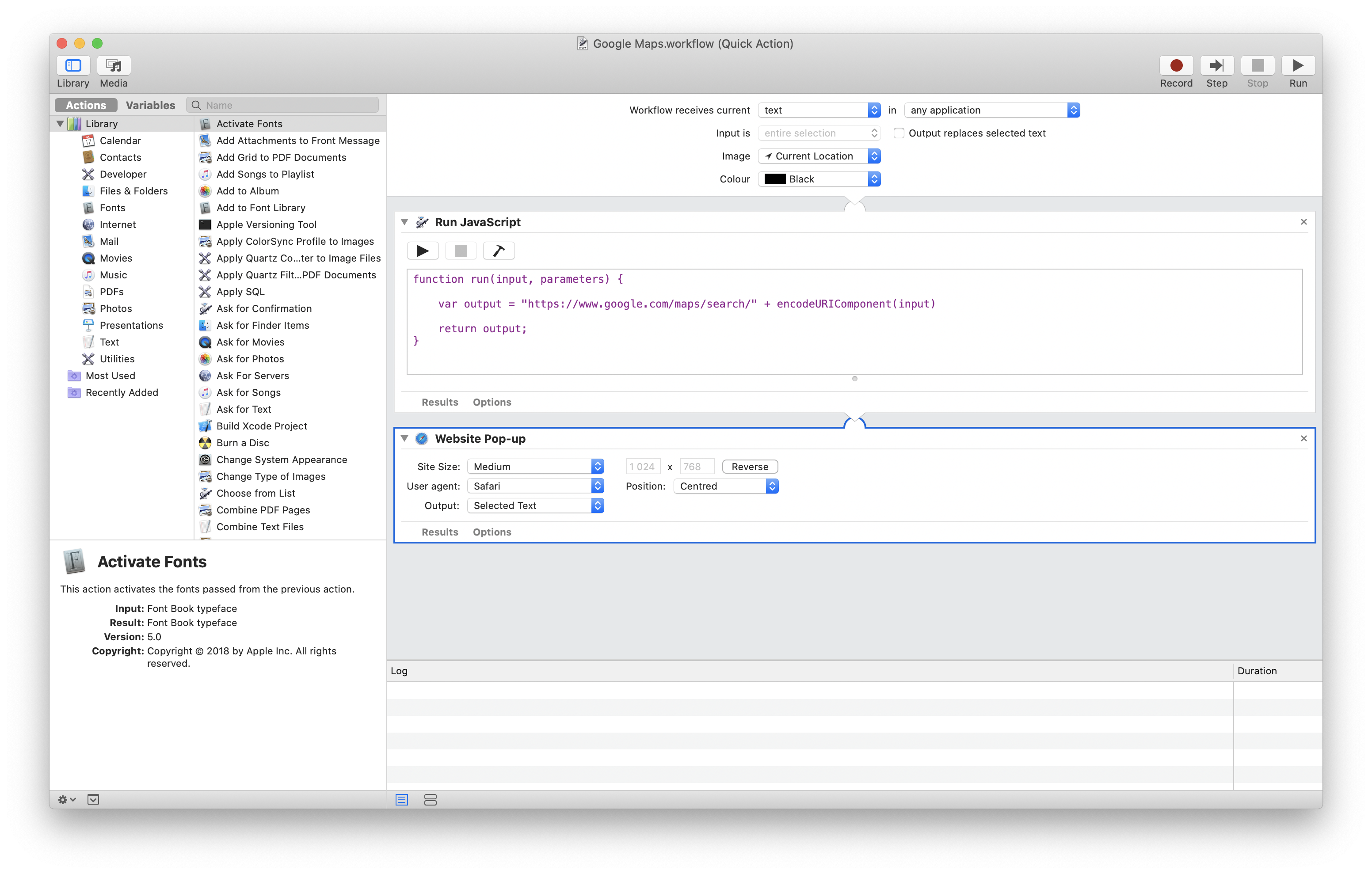
- Now under Library -> Utilities double click or drag from left pane Run JavaScript.
- Now write promised one line of code as is below:
- Next under Library -> Internet select or drag Website Popup. You can adjust size of the window to fit your needs. And that’s it. Below is picture of what you should have.
Pro TipYou can also create "Direction" action to always display direction for example from your home or work to selected destination. Just edit the url as below:
var output = "https://www.google.com/maps/dir/"+"YOUR_ADDRESS_OR STARTING_POINT_HERE"+"/"+input