MacBook wifi issue - OS X keeps reconnecting
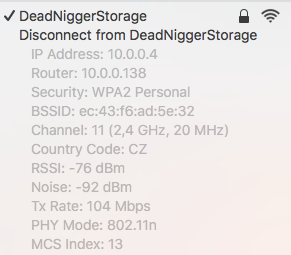
Last few weeks I was facing annoying wifi problems. My mac was reconnecting every 5 minutes. On top of that BSSID was reseting so I saw BSSID changing to 00:00:00:00:00:00 every 2min. Every BSSID reset dropped connection. You can check BSSID by pressing alt + click wifi icon in menu bar.
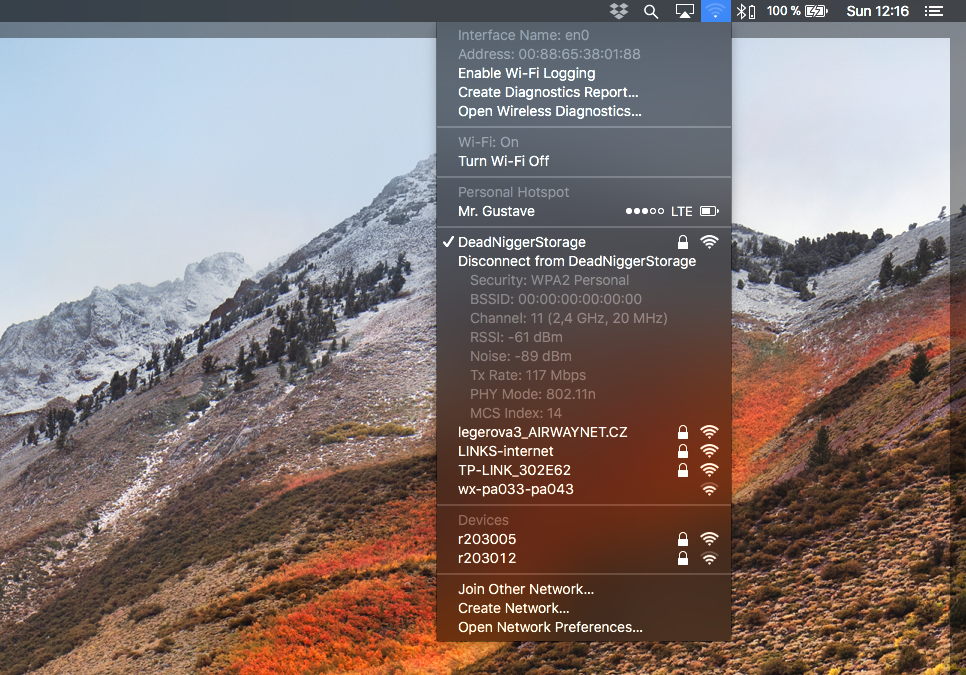
I tried
- change router position
- reset router
- change encryption
- set only one channel (1, 11)
- ...
Solution
When I have finally found solution and thats:
- Turn off wifi
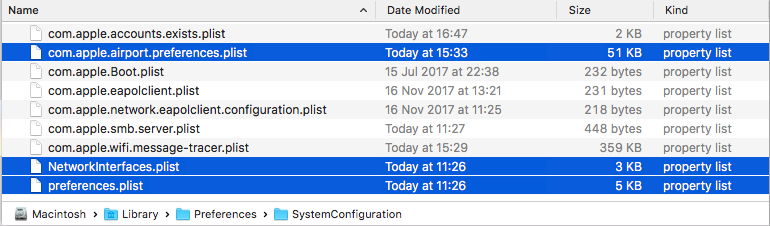
- go to /Library/Preferences/SystemConfiguration (in Finder press cmd+shift+G)
- backup and delete these files: com.apple.airport.preferences.plist, NetworkInterfaces.plist & preferences.plist
- restart your mac
I think this issue is related to Air Drop or Transmit.app, which I have started using few week ago. But it's only census. However I have stopped using them and as ftp client I have installed Commander One.