How to Setup Android Development Environment on Mac Easily

How to easily setup an Android development environment on a Mac? Recently I was following Cordova Android Platform Guide and I was overwhelmed with things you have to setup. You have to install the right Java Development Kit (JDK), Gradle, Android SDK, Platform SDK, SDK build-tools, Support Repository and Setup environmental variables. And there are some version conflicts so you can spend week installing environment. I have tried the hard way and I have found the easy way. So what are your options?
You have 3 options
- Install it on your own — you can use this tutorial [Hard way]
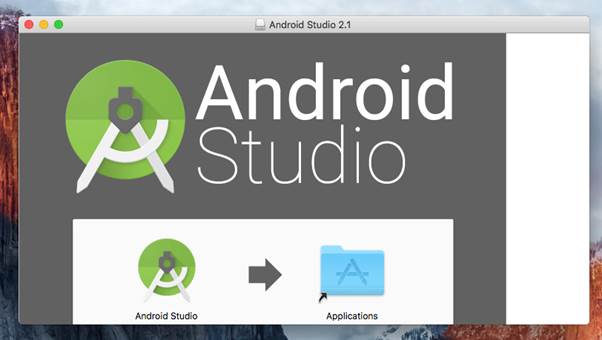
- Install Android Studio — it will setup almost everything for you [Easy way]
- Install Android Studio and then delete it — it will setup almost everything and you can then get rid of Android Studio [Option #1 done easy]
Why I have mentioned option #3? Because I was struggling with the first option for several hour (I use IntelliJ IDEA nad I just didn't wont to install another IDE). In the end I have installed Android Studio, because the first option was just no go for me. Android Studio setups emulator, gradle build, ... and then you just delete it (I has almost 2Gb). Bingo, Android development environment is setup and Android Studio is gone.