Cordova + create-react-app without ejecting react
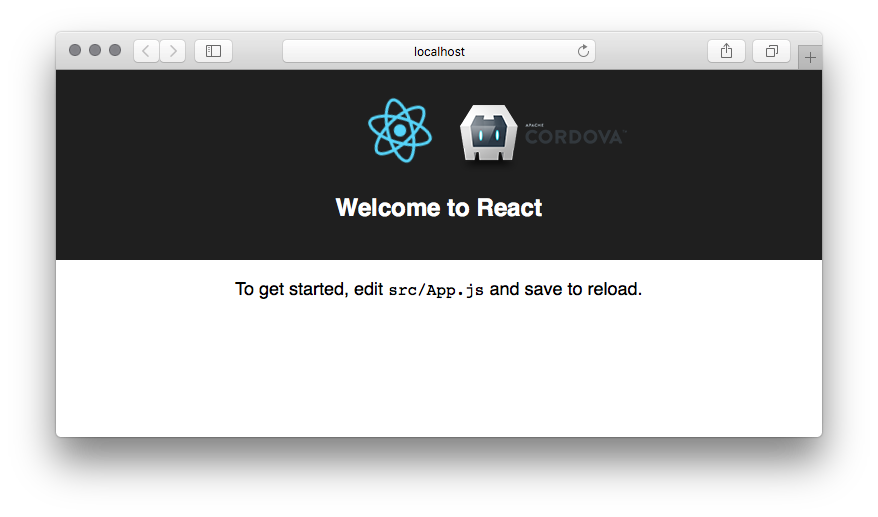
According to many tutorial, when you want to use Cordova with create-react-app you should eject the create-react-app. But that was not the way I wanted to go. So instead of it, I have decided to keep create-react-app, then create cordova project and copy-paste this project into create-react-app project. So far it works like a charm, so here is the tutorial.
Cordova + create-react-app tutorial
- Install Java SKD, note that you need exactly version 8.
- Install the Create React App CLI.
npm install -g create-react-app
- Install the Cordova CLI.
npm install -g cordova
- Create the project.
create-react-app tutorial
- Create Cordova Project
cordova create tutorial com.example.tutorial Tutorial
- And now comes the little trick. Take everything except package.json from your cordova project and paste it into your creat-react-app project. Now you have working cordova in your create-react-app. But some things have to be adjusted in the create-react-app package.json. We have to merge these two.
{ "name": "com.example.tutorial", "displayName": "Tutorial", "description": "", "version": "0.1.0", "private": true, "main": "index.js", "homepage": "./", // <--- Notice this "dependencies": { "cordova-android": "^7.0.0", "cordova-plugin-whitelist": "^1.3.3", "prop-types": "^15.6.0", "react": "^16.2.0", "react-dom": "^16.2.0", "react-redux": "^5.0.6", "react-router-dom": "^4.2.2", "react-scripts": "1.0.17", "redux": "^3.7.2", "redux-thunk": "^2.2.0" }, "scripts": { "start": "react-scripts start", "build": "react-scripts build", "move": "mv build www || move build www", // <--- Notice this "test": "react-scripts test --env=jsdom", "eject": "react-scripts eject" }, "cordova": { "plugins": { "cordova-plugin-whitelist": {}, }, "platforms": [ "android" ] } } Notice the "move" command that is added to scripts. All it does is move content of build folder into www folder. That is the place where Cordova and create-react-app are connected. By default create-react-app builds into the dist folder, but Cordova needs www folder. I think it's really small shorthand in compare with ejecting create-react-app and you can really easily automate it with any build tool you like.
And notice the "homepage": "./" . It's because your files will be served from file:// you have to add this line to your package.json (https://github.com/facebookincubator/create-react-app/issues/1094):
- Add this line to your index.html
<script type="text/javascript" src="cordova.js"></script>
Bonus Tip
If you are using <Router> in your project change that to <HashRouter> otherwise you'll see a blank display as nothing will get rendered to the screen.
References
[1] https://cordova.apache.org/docs/en/latest/guide/cli/index.html