Angular CLI Tutorial (Install & Commands)
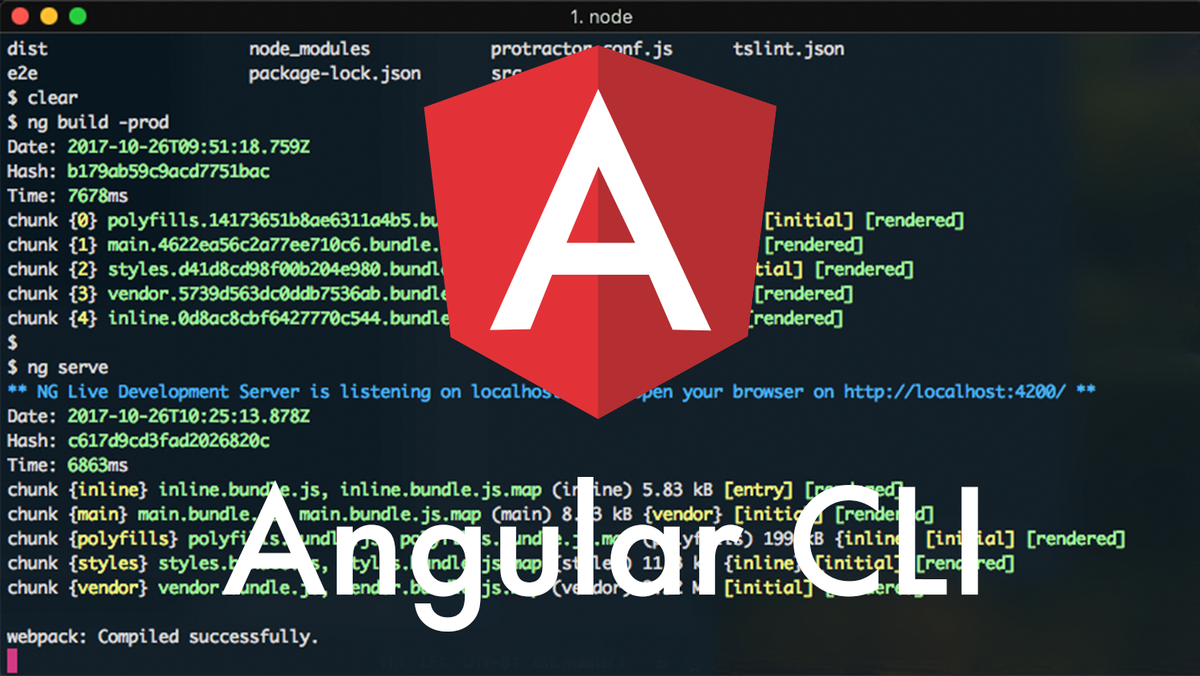
The Angular CLI (command line interface) is a tool to initialize, develop, scaffold and maintain Angular application following best practices.
Installation
First of all make sure you have npm installed. If you don't know what npm is navigate to node.js first. To install the Angular CLI just open terminal (cmd + N) and run this command: npm install @angular/cli -gThe -g flag stands for global, so you are able to use it anywhere on your computer, not just in your current location. The terminal output should look like this:


And you are done. Now you are able to create, generate, serve and maintain (test, lint and format) your angular app.
Generate new project
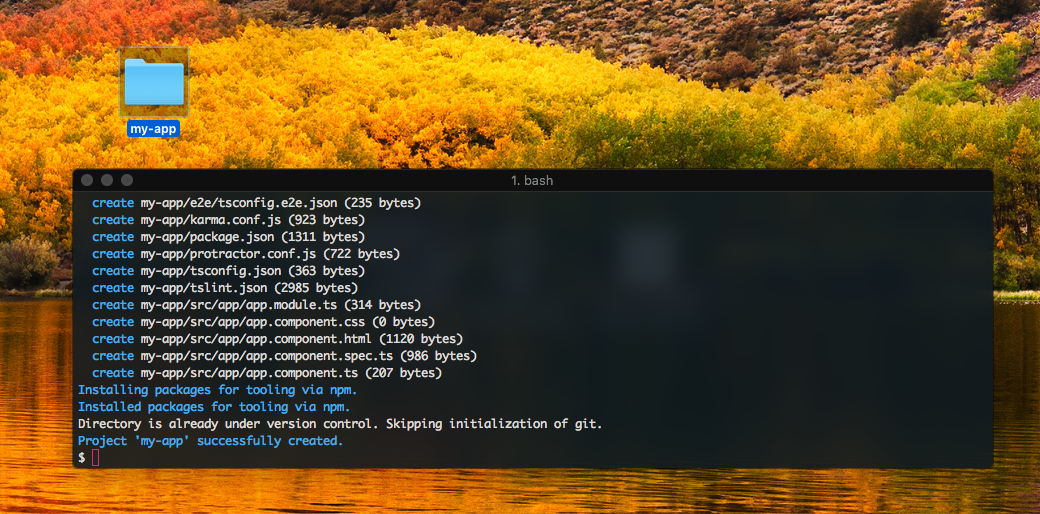
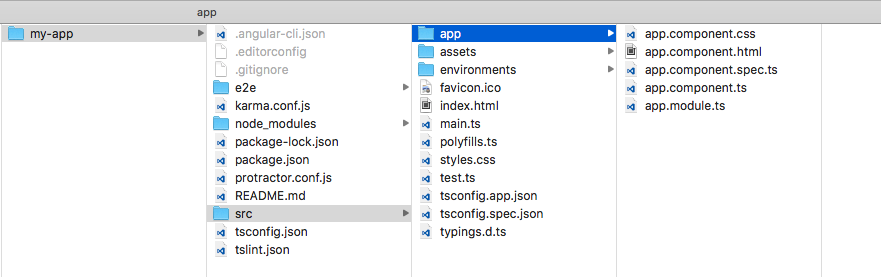
OK, now examples. For me the biggest advantage in compare to classic methods in creating project. The new command. Usage is pretty easy. Just navigate to folder you want to create the project, for example to your destop: cd ~/DesktopAnd run the awsome ng new command with name of your app, for example "my-app": ng new my-appYou should end up with something similar to this:

Development
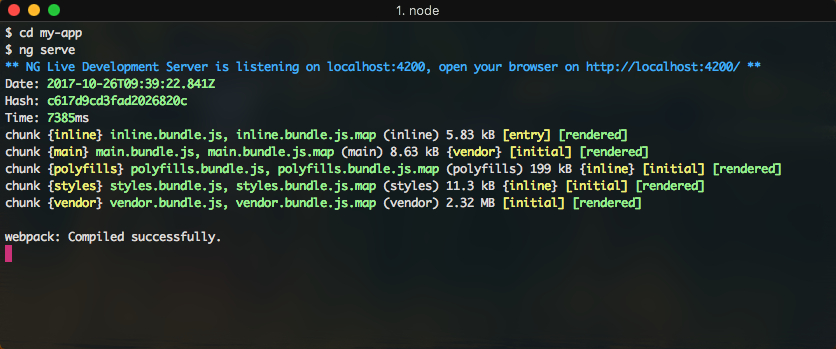
Now when you have your project generated we can start our live-reload development server. First of all navigate to the newly created project folder: cd myappand run the ng serve command: ng serveYou should see similar output:
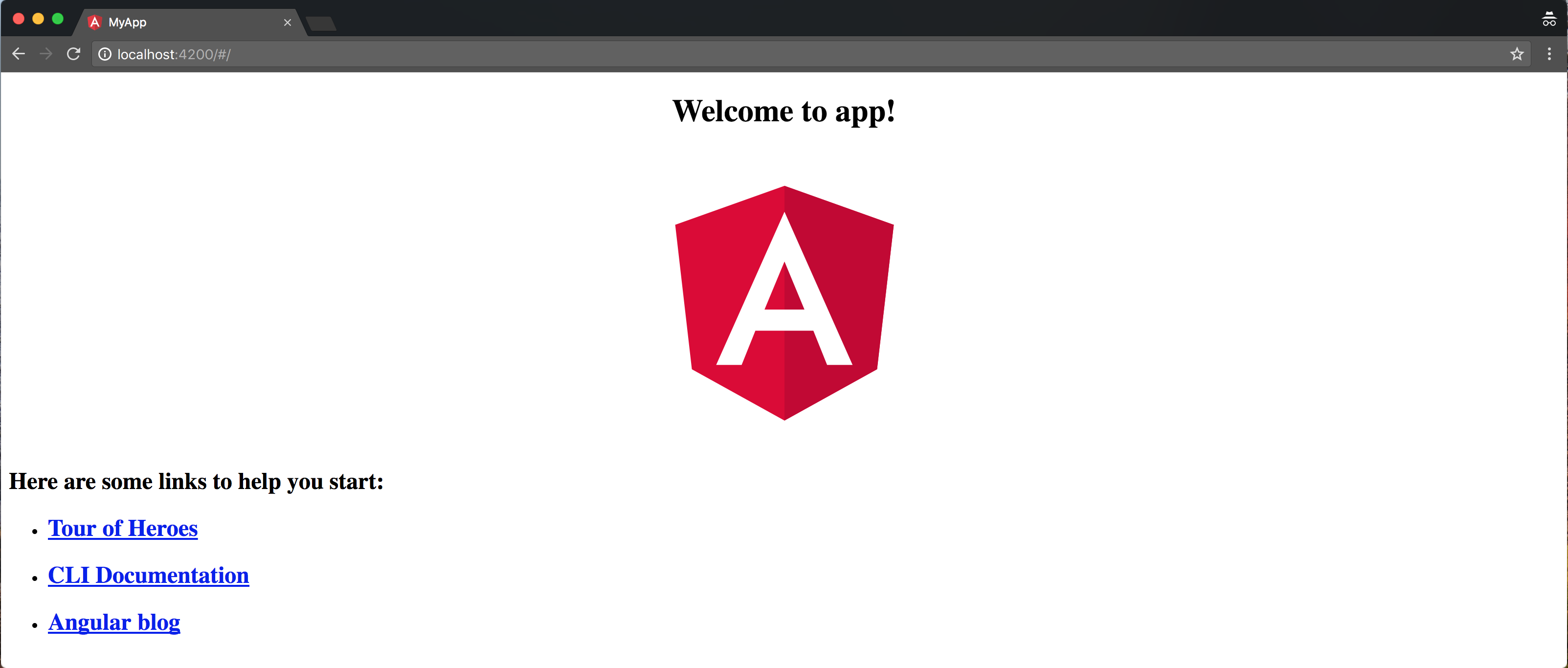
Andwhen you navigate to http://localhost:4200 in your browser, you will see the default project component:
Build
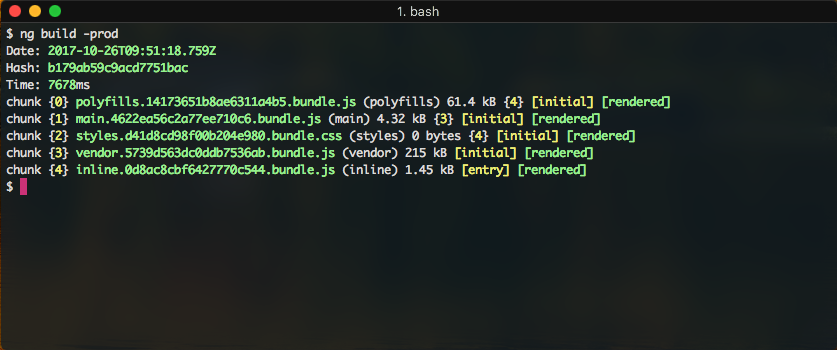
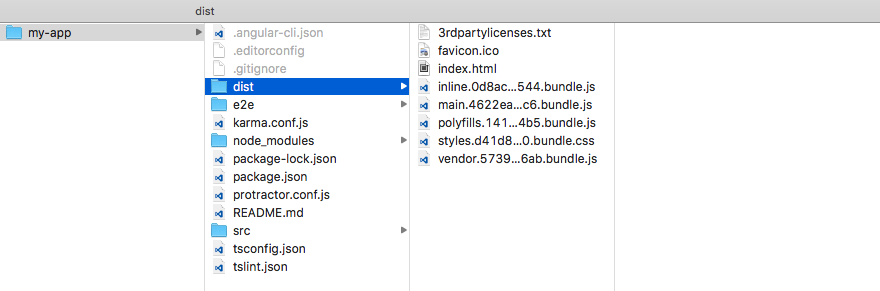
To distribute your app you have to create the production version, that you can place to the server. With ng-build command: ng build -prodThe production bundle is created and placed in dist folder located in you project folder.
On top of it when you run ng build command with -prod flag, the AOT compilation is in place. No setting needed!